Welcome to DependencyDesk
DependencyDesk helps you discover, catalog, and report on all third-party software dependencies across your GitHub repositories. Whether you're preparing for a compliance audit, conducting M&A due diligence, or simply want to understand what your software depends on, DependencyDesk provides the tools you need.
Getting Started
Follow the steps below to connect your GitHub organization and run your first dependency analysis.
Sign in with GitHub
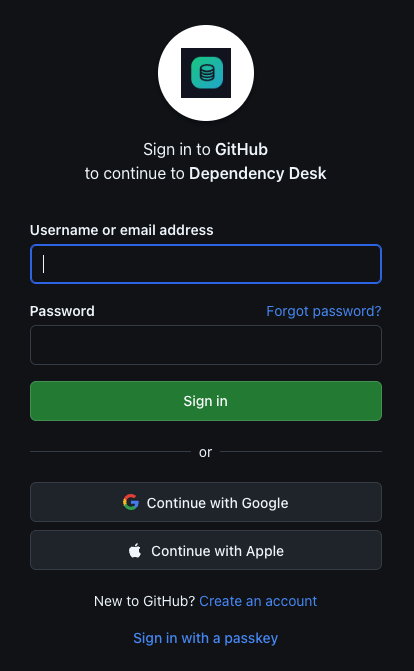
DependencyDesk uses your GitHub account for authentication. From the marketing site, click the Sign in button in the top navigation.

You will be redirected to GitHub. Enter your GitHub credentials (or use Google, Apple, or a passkey if you have those set up on your GitHub account).
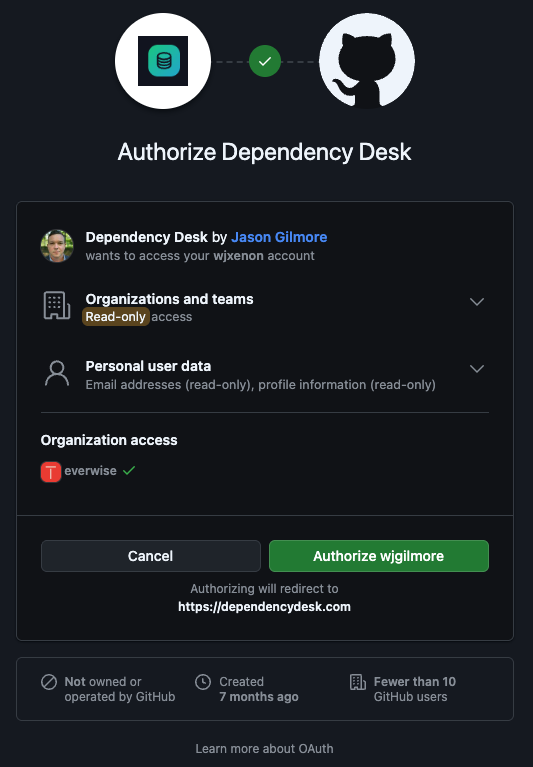
After signing in, GitHub will ask you to authorize the Dependency Desk OAuth application. Review the requested permissions and click Authorize.
Add an Organization
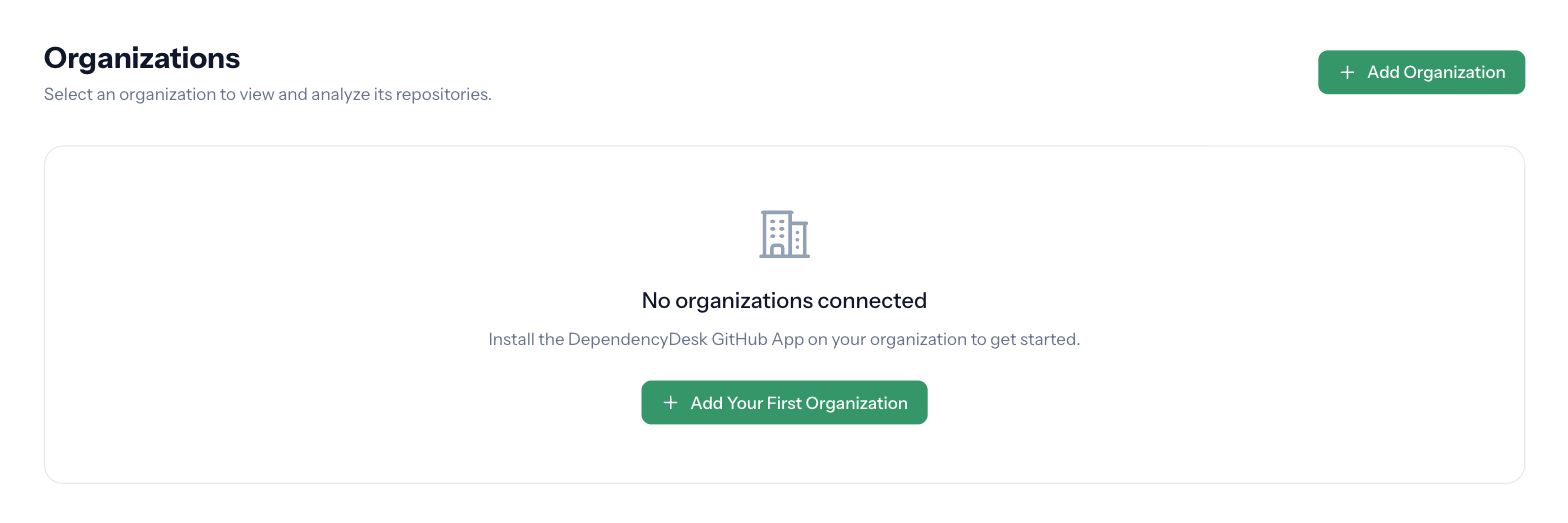
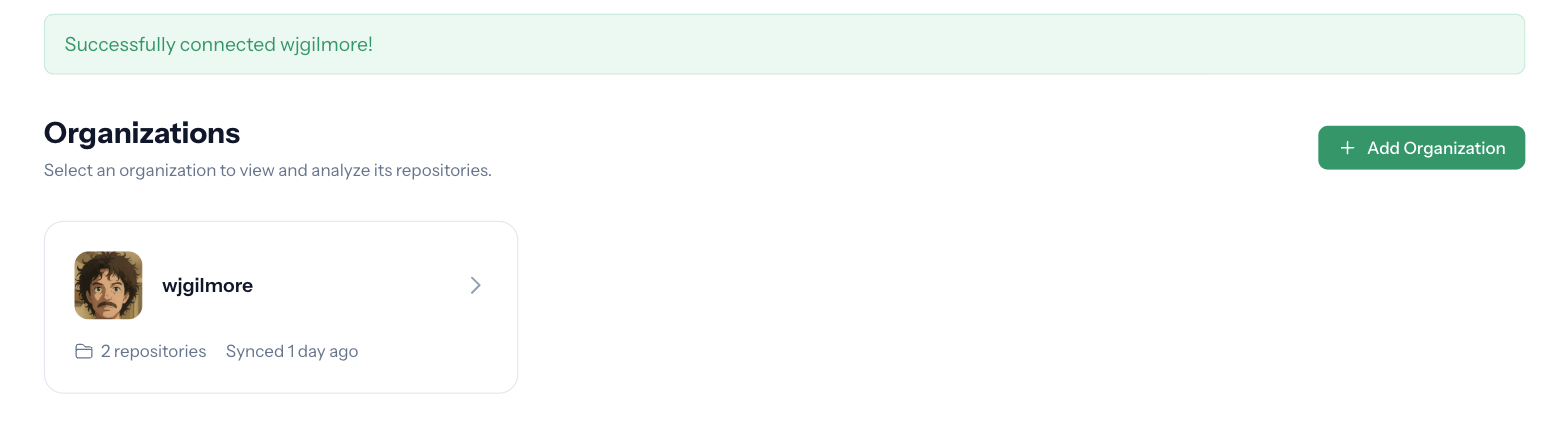
After signing in, you will land on the Organizations page. If you haven't connected any organizations yet, the page will be empty. Click Add Your First Organization (or + Add Organization in the top right) to begin.
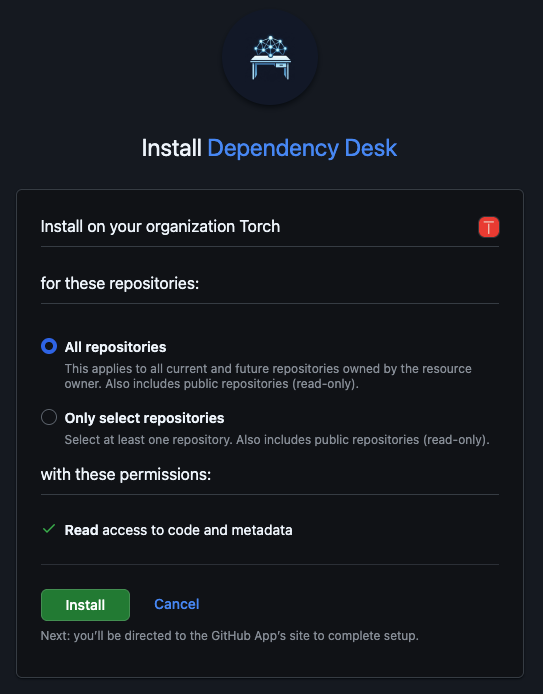
You will be taken to GitHub to install the DependencyDesk GitHub App on the organization of your choice. Choose whether to grant access to All repositories or Only select repositories, then click Install.
Once the installation completes, GitHub redirects you back to DependencyDesk and your organization appears in the list with a success banner.
Sync Repositories
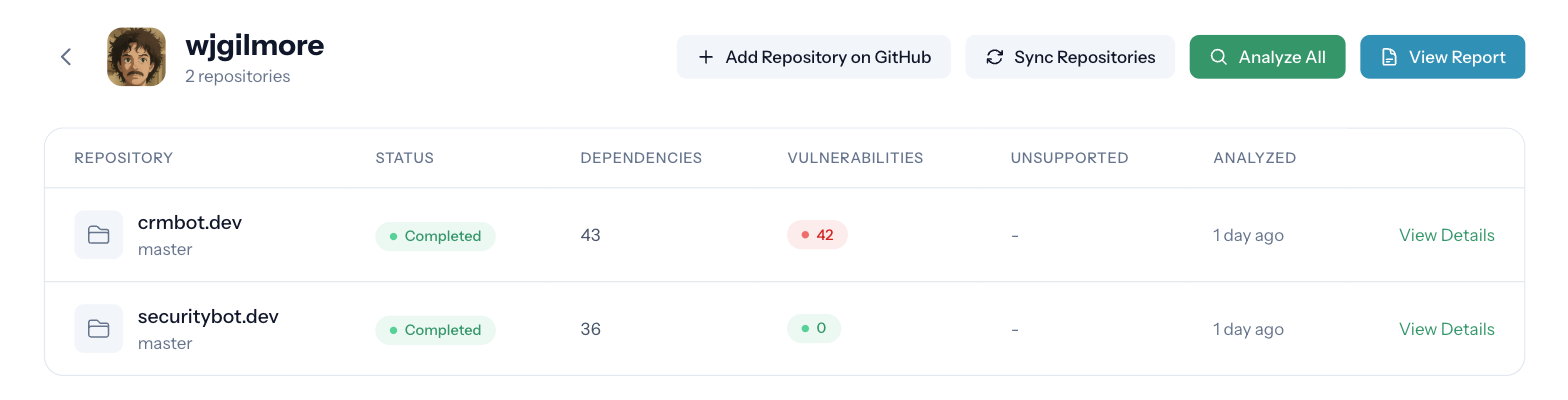
Click your organization to open its detail page, then click the Sync Repositories button. DependencyDesk will pull the list of repositories accessible to the GitHub App and prepare them for analysis.
Acknowledge the Disclaimer
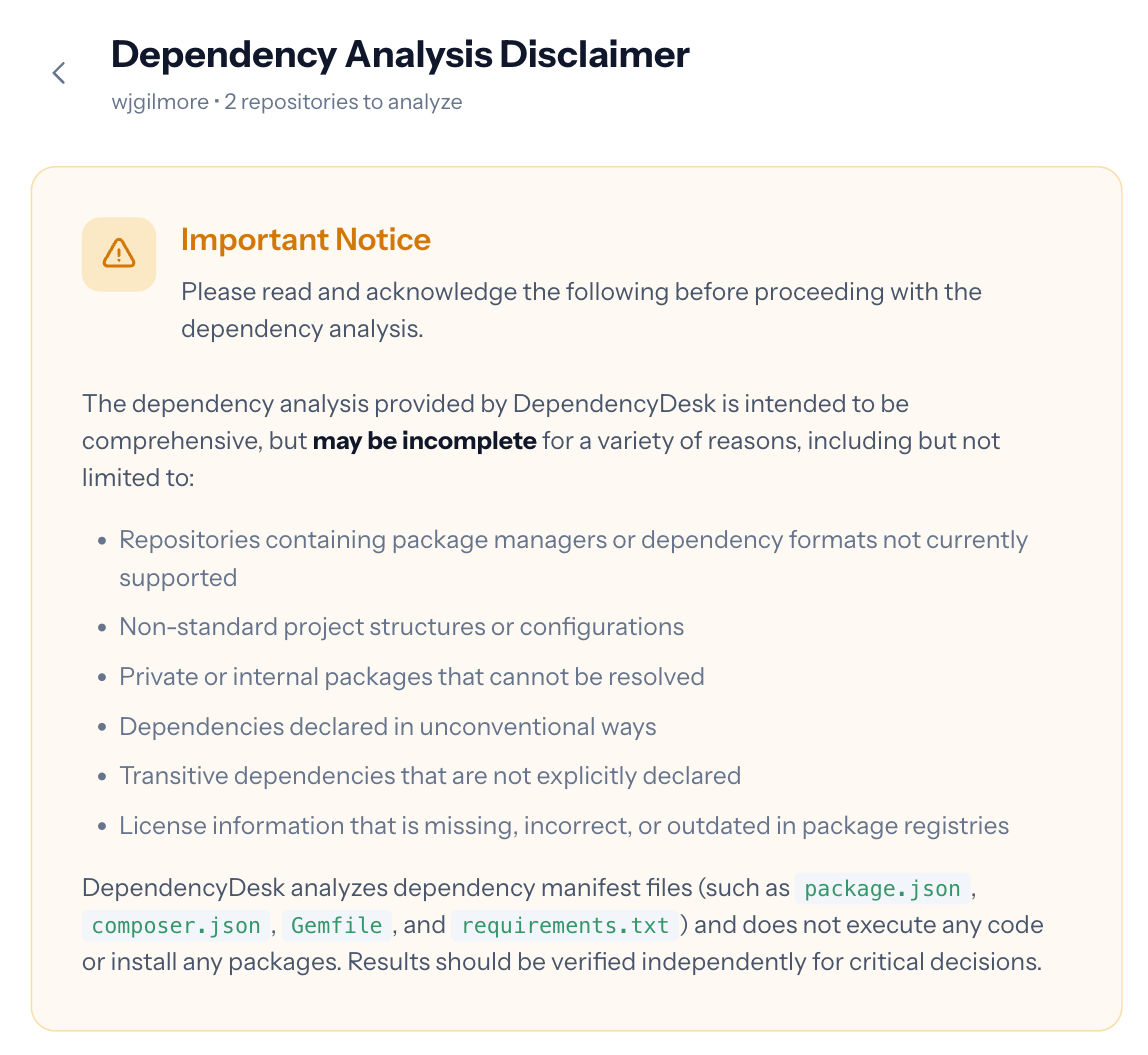
Before the first analysis runs, you must read and acknowledge the Dependency Analysis Disclaimer. This notice explains the limitations of automated dependency scanning and the file types DependencyDesk inspects.
Analyze Repositories
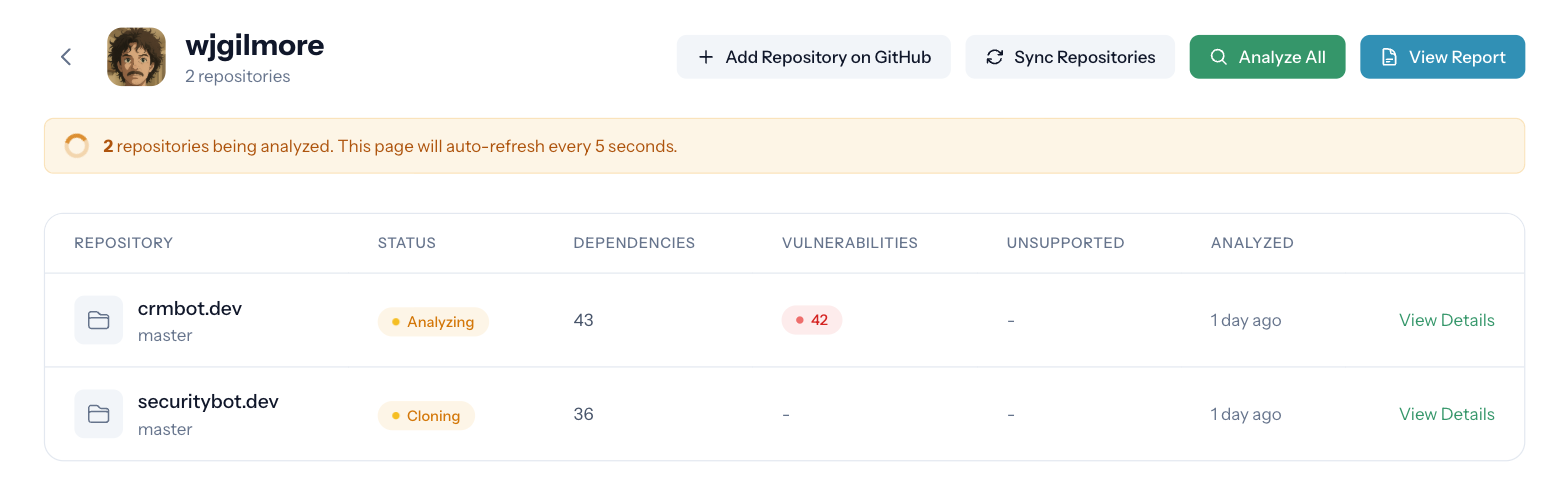
After you acknowledge the disclaimer, DependencyDesk begins cloning and analyzing each repository. The page auto-refreshes every few seconds while analysis is in progress. When it completes, you can click View Report to see the full dependency breakdown, or View Details on any individual repository.
Key Features
- Multi-Language Support - Analyze JavaScript, PHP, Ruby, Python (including uv), and Go projects
- License Detection - Identify the licenses of your dependencies
- Vulnerability Scanning - Detect known security vulnerabilities across npm, Composer, Bundler, pip, and Go dependencies via the npm and OSV.dev advisory databases
- Organization-Wide Analysis - Scan all repositories in your GitHub organization at once
- CSV Export - Download machine-readable reports for further analysis
- Secure by Design - Read-only access, no code execution, proactive cache cleanup
Documentation Topics
Explore our documentation to learn more about specific topics:
- Supported Languages & Package Managers - See which languages and package managers DependencyDesk can analyze